



Upload files
Drag files in, or browse for them. Files uploaded anywhere in Voyant end up here too.
Voyant Support
Two ways to upload
Drag files onto the upload area. Select them on your computer and drop them onto the box that says "Drag files here to upload".
Or click Browse files and pick them the usual way.
Either way the file appears in the list straight away.
Files arrive from elsewhere too
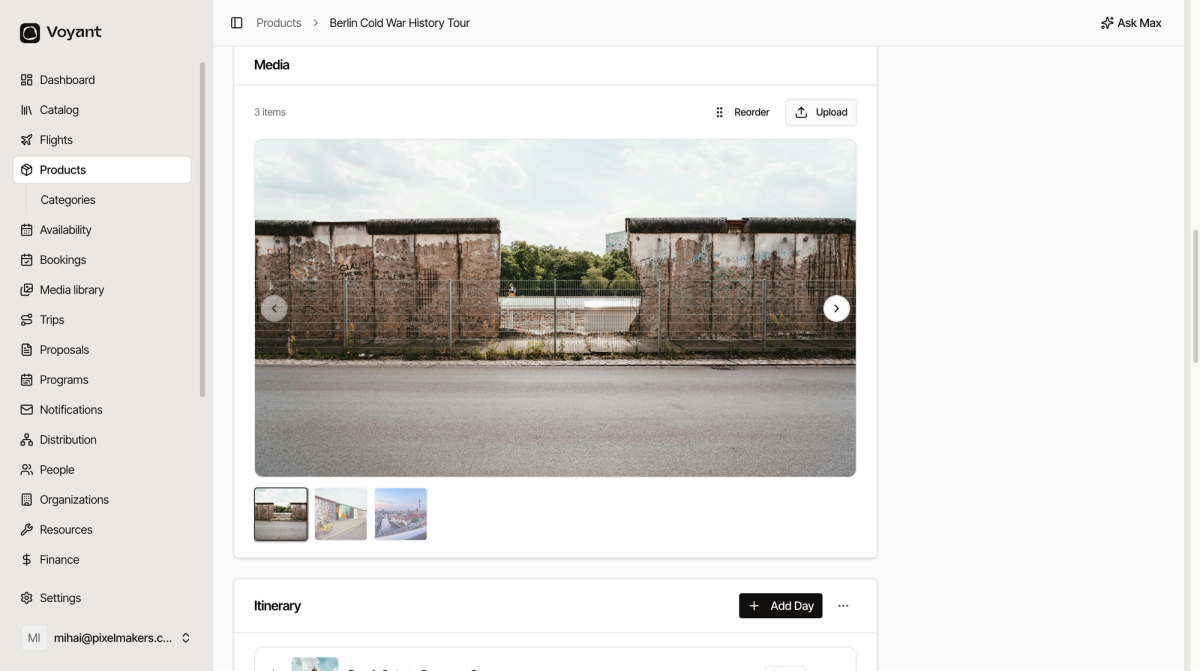
Anything you upload while building a product also lands here. Add three photos to a tour and those same three appear in the library.
That is the point. There is one library, and every upload goes into it wherever you started from.
What to upload
- Use landscape images for product photos. They fit the layouts better than portrait.
- Keep files a sensible size. A 12 MB photo makes your pages slow and looks no better than a 1 MB one.
- Give files a name you will recognise later.
rialto-bridge-sunset.jpgbeatsIMG_4471.jpg.
After uploading
Do two things while you remember what the picture is.
- Add alt text, so the photo works for people using a screen reader. See Alt text and translations.
- Add tags, so you can find it again. See Folders and tags.
Did this answer your question?
Thanks for your feedback.