



Find a date quickly
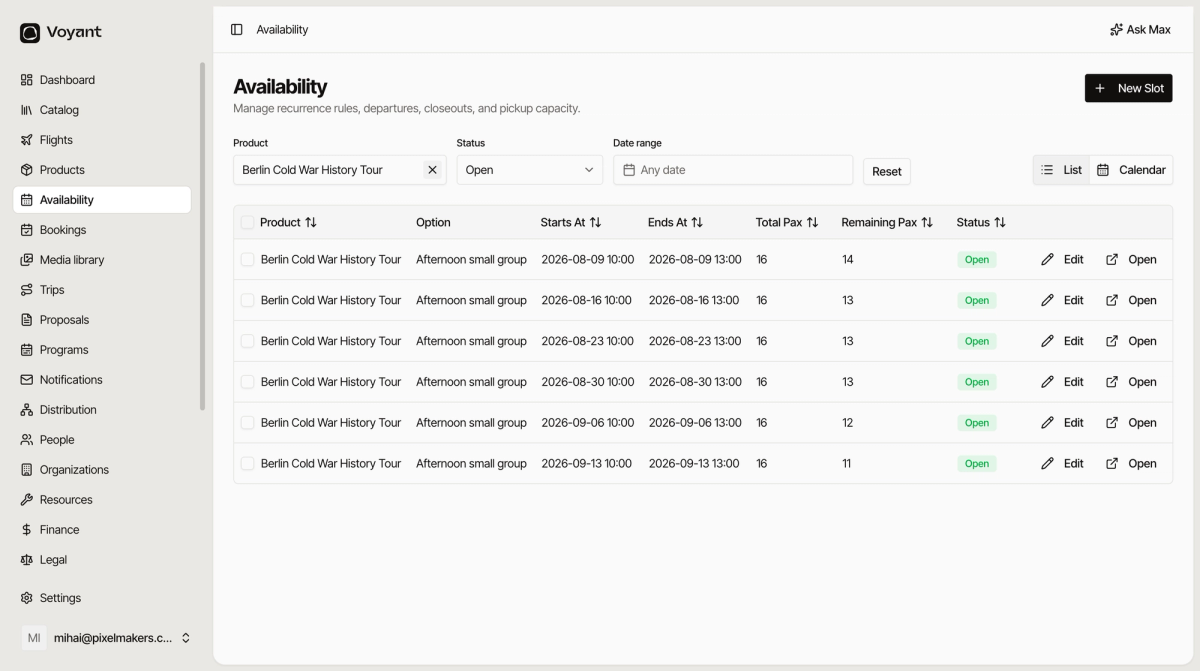
Three filters sit above the list. Use them together to get from hundreds of dates to the one you want.
Voyant Support
The list holds every date for every product, so it gets long. Narrow it down.
The three filters
- Product limits the list to one product. Use this when a customer asks about a specific tour.
- Status limits it to Open, Closed, Sold Out or Cancelled.
- Date range limits it to a period, such as next week.
They work together. Pick one product, set the status to Open, and choose next month, and you are looking at exactly what that product still has to sell.
Sorting
Click a column heading to sort by it. The arrows next to Starts At, Total Pax, Remaining Pax and Status all sort.
Sorting by Remaining Pax is a quick way to spot which dates are nearly full and which are not selling.
Did this answer your question?
Thanks for your feedback.