



Capacity: free sale, limited and on request
Capacity mode decides whether Voyant counts places for you, lets you sell without a limit, or asks you to confirm each booking by hand.
Capacity mode answers one question: how many people can you take?
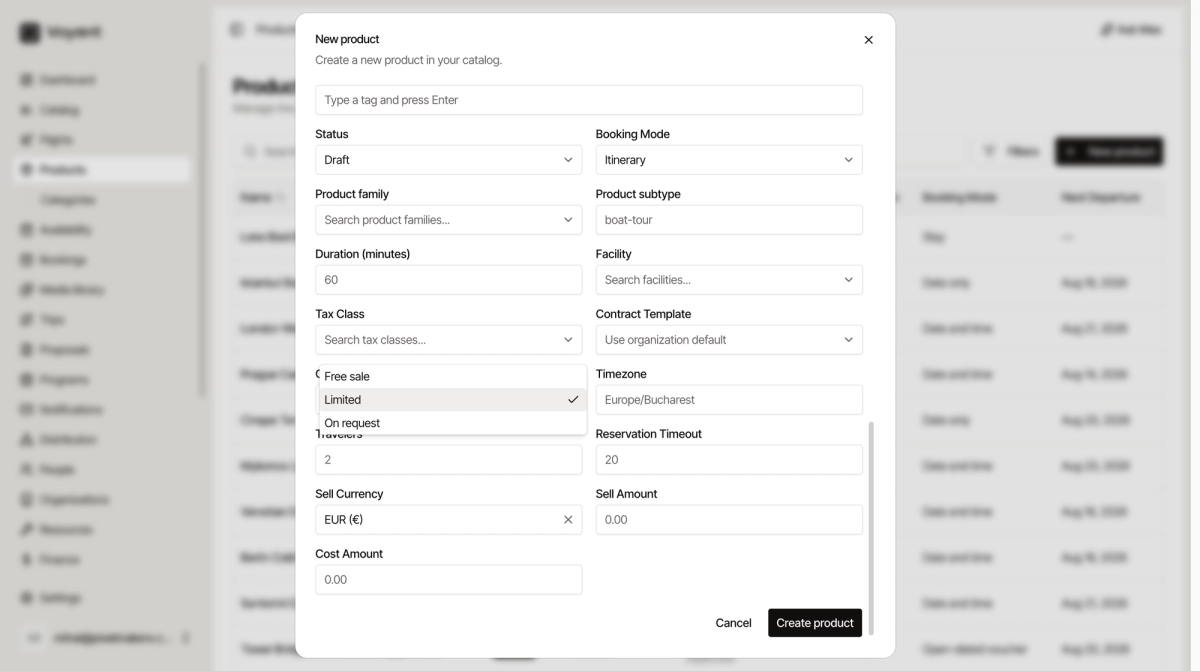
Limited
You set a number and Voyant counts down. When it hits zero, the date stops selling.
This is the default and the right answer most of the time. A minibus tour with 16 seats is Limited.
Free sale
No limit. Voyant never stops selling.
Use it only when you genuinely cannot run out. A self-guided audio walk is Free sale.
On request
The customer asks, and you confirm by hand. Nothing is guaranteed at the moment of booking.
Use it when you need to ring a supplier first. A private chef dinner is On request.
Where to set it
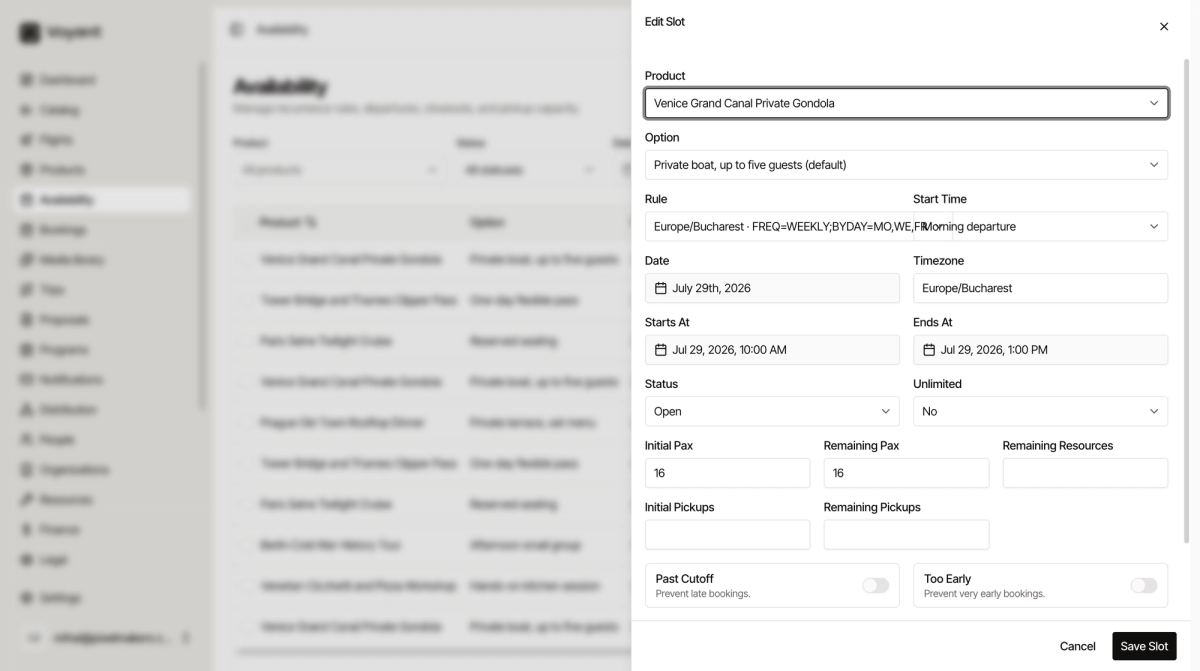
Capacity Mode is in the New product form and in Edit. The actual number of places is set per departure, not here. See Departures and recurring schedules.
Did this answer your question?
Thanks for your feedback.