



Booking modes: how customers pick a date
The booking mode decides what a customer chooses when they buy. Pick the wrong one and the product asks for the wrong things.
The booking mode is the most important setting on a product. It decides what the customer is asked for at checkout, and it changes what you fill in behind the scenes.
Get this right first. Everything else is easier afterwards.
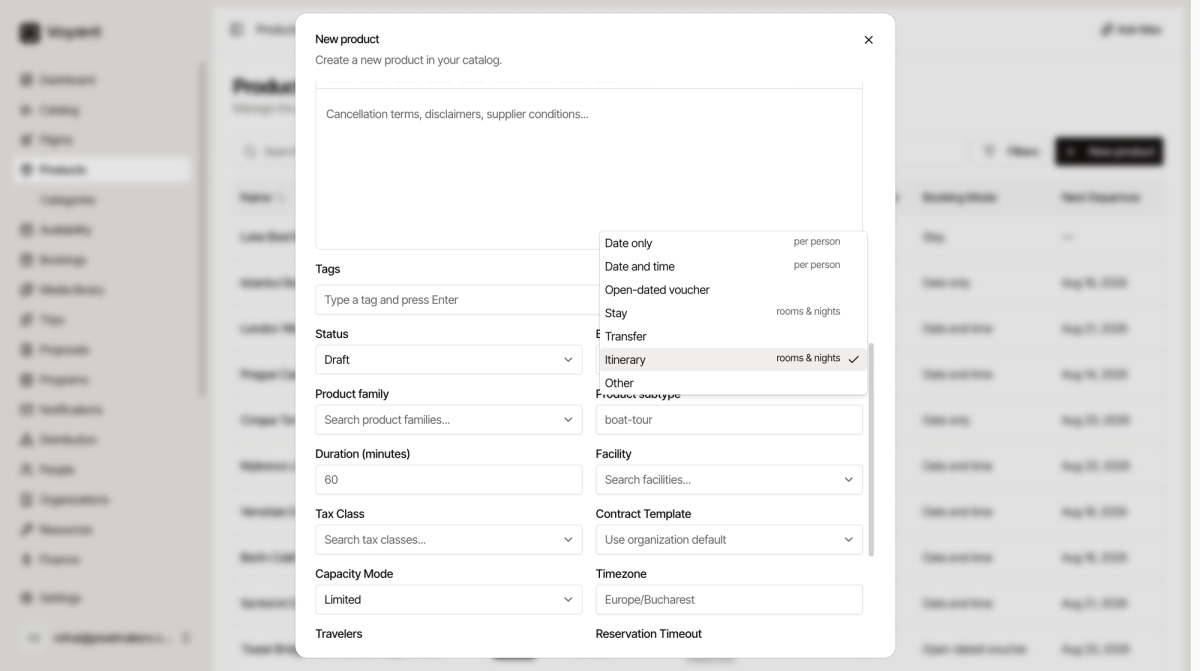
The seven modes
Date only
The customer picks a day. Priced per person.
Use it for a full day trip that runs once a day. Example: a day trip to Cinque Terre.
Date and time
The customer picks a day and a start time. Priced per person.
Use it when you run the same thing more than once a day. Example: a walking tour at 10:00 and again at 14:00.
Open-dated voucher
The customer buys now and uses it whenever they like, within your validity rules. No date is chosen at checkout.
Use it for entry tickets and passes. Example: a Tower Bridge pass.
Stay
The customer picks a check-in date, a check-out date and a room. Priced by rooms and nights.
Use it for accommodation. Example: three nights at a guesthouse.
Transfer
The customer gives a pick-up point, a drop-off point and a time.
Use it for airport transfers and private cars.
Itinerary
A multi-day trip with a day-by-day plan. Priced by rooms and nights.
Use it for a packaged tour that runs over several days with hotels included.
Other
Anything that does not fit. Use it rarely.
Changing it later
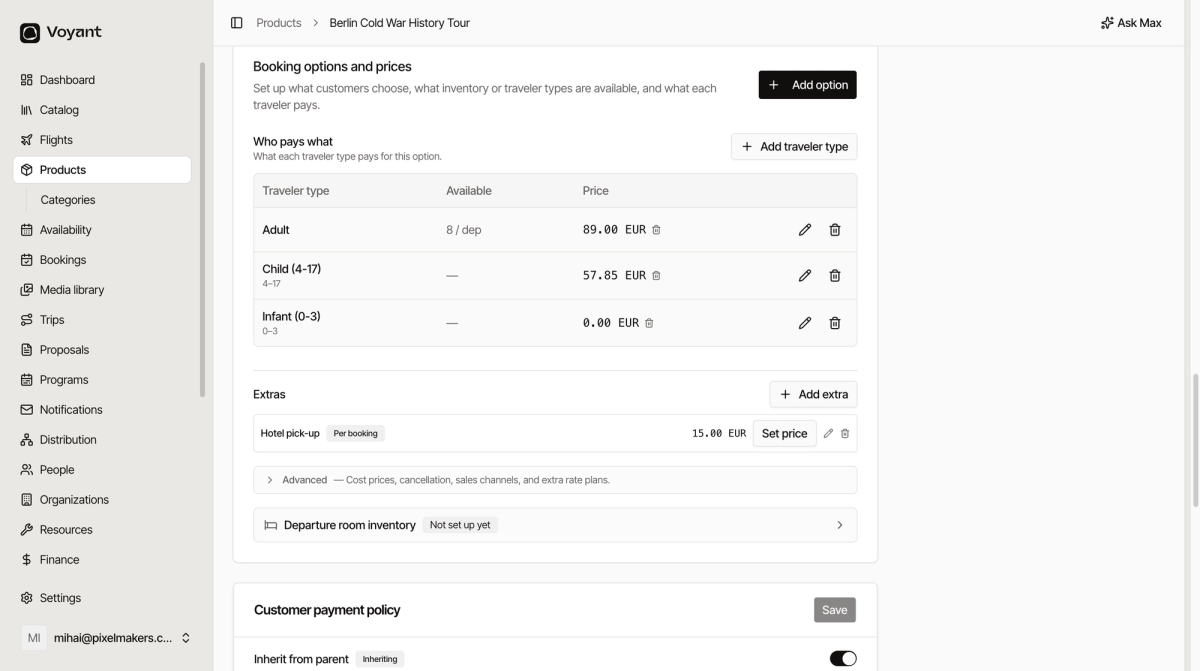
You can change the booking mode from Edit. Do it before the product has bookings. Changing it afterwards can leave prices and dates that no longer make sense.
Did this answer your question?
Thanks for your feedback.