



Set up an open-dated ticket
A worked example: a pass or entry ticket the customer buys now and uses whenever they like.
Voyant Support
Some things do not have a departure. A customer buys an attraction pass, then turns up whenever it suits them.
Create it
- Go to Products and click New product.
- Name: "Tower Bridge and Thames Clipper Pass".
- Booking Mode: Open-dated voucher. The customer is not asked for a date.
- Product family: Attraction.
- Capacity Mode: usually Free sale, because you are not holding seats on a given day.
- Sell Amount: the ticket price.
- Click Create product.
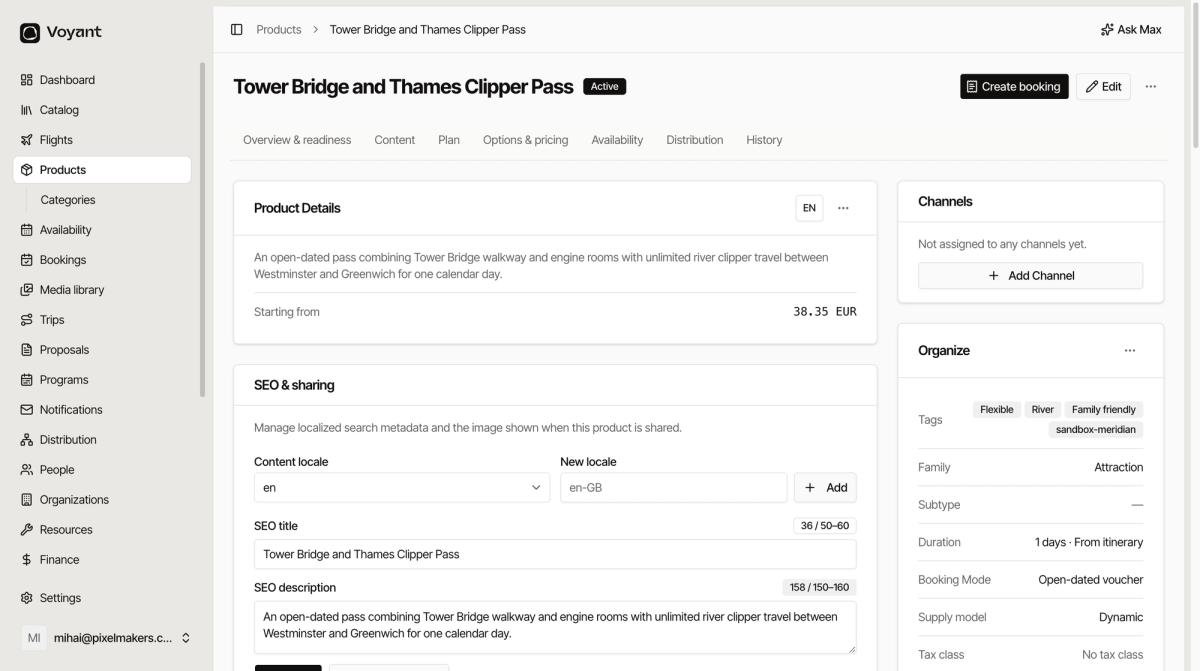
What is different
- There are no departures to manage, which makes these the simplest products to run.
- Pricing is still per traveler type, so add Adult and Child under Who pays what.
- Put the validity rules in Terms, for example "Valid for 12 months from purchase".
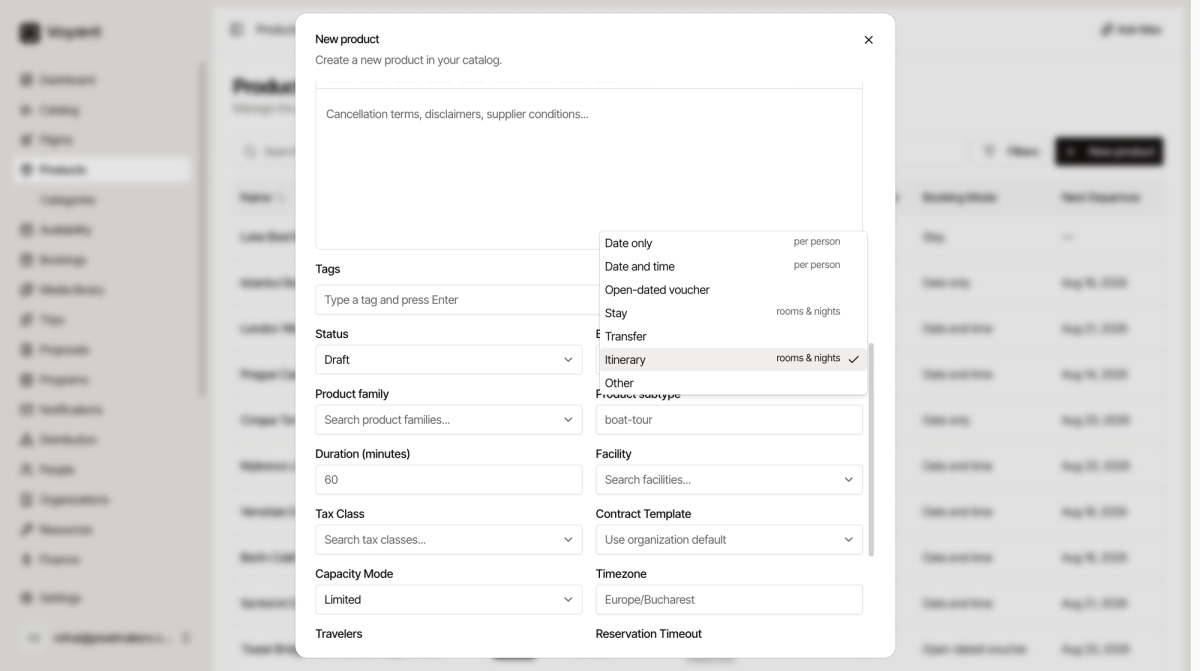
Say clearly in the description how the voucher is redeemed, for example whether the customer shows a phone at the gate or has to swap it for a paper ticket.
Did this answer your question?
Thanks for your feedback.