



People: your contacts and travellers
One record per person, holding their details and everything they have ever booked with you.
Voyant Support
Everyone you deal with gets a record: the traveller, the person who pays, the contact at a company.
Click People in the left menu.
Reading the list
- Name and Email are how you will usually find somebody.
- Phone for reaching them on the day.
- Relation describes what they are to you.
- Status is Active unless you have archived them.
Use the search box for a name or email, and Filters to narrow by relation or status.
Why records rather than typing names
When a booking points at a person record rather than a typed-in name, three things follow.
- You can see everything they have booked, not just the booking in front of you.
- Correcting an email once fixes it everywhere.
- You can find them again next year when they ring up and cannot remember the reference.
Where people come from
Most create themselves. Taking a booking and adding a traveller creates the record. So does adding a delegate to a program or a contact to a proposal.
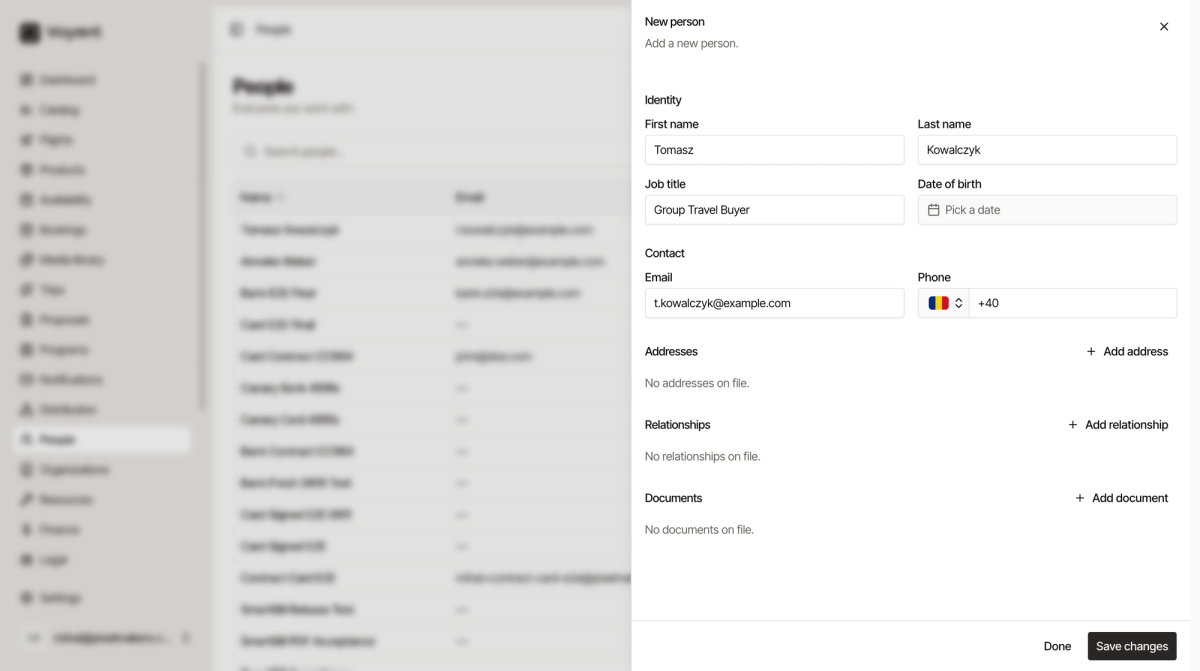
Click New person when you want to add somebody before there is a booking, such as an enquiry you are nurturing.
Did this answer your question?
Thanks for your feedback.