



Draft, active and archived products
Every product is draft, active or archived. Only active products can be sold. Here is when to use each one.
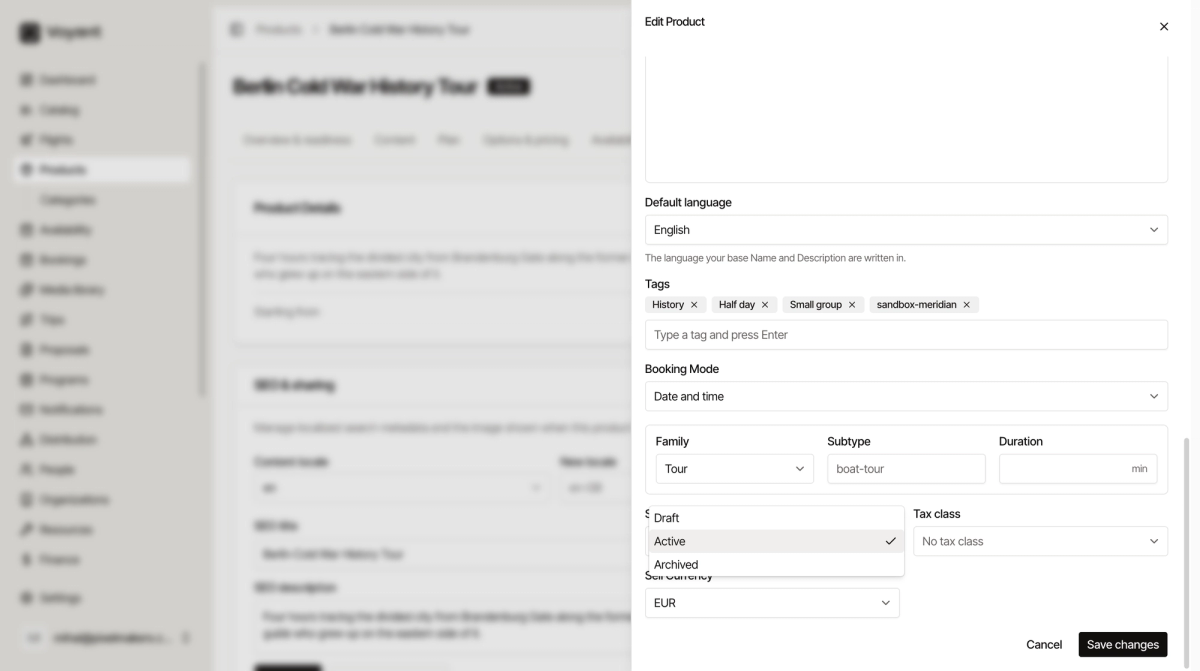
Every product is in one of three states. You can see it as a badge next to the product name.
Draft
You are still working on it. Customers cannot see it and cannot book it.
New products always start here. Stay in draft until the prices and dates are right.
Active
The product is ready to sell. This is the only status a customer can book.
Active does not mean it is visible everywhere. A product also needs to be on a channel before it appears on your website. See Choose where a product is sold.
Archived
You do not sell it any more. It disappears from the working list but nothing is deleted.
Archive rather than delete. Old bookings, invoices and reports still need the product behind them.
Change the status
- Open the product.
- Click Edit at the top right.
- Change Status.
- Click Save changes.
Did this answer your question?
Thanks for your feedback.