



Cost categories
How supplier costs get classified, which is what makes the profitability breakdown readable.
Every supplier invoice line gets a cost category. It is a short list, and its only job is to make your cost breakdown mean something.
Click Settings, then Cost categories.
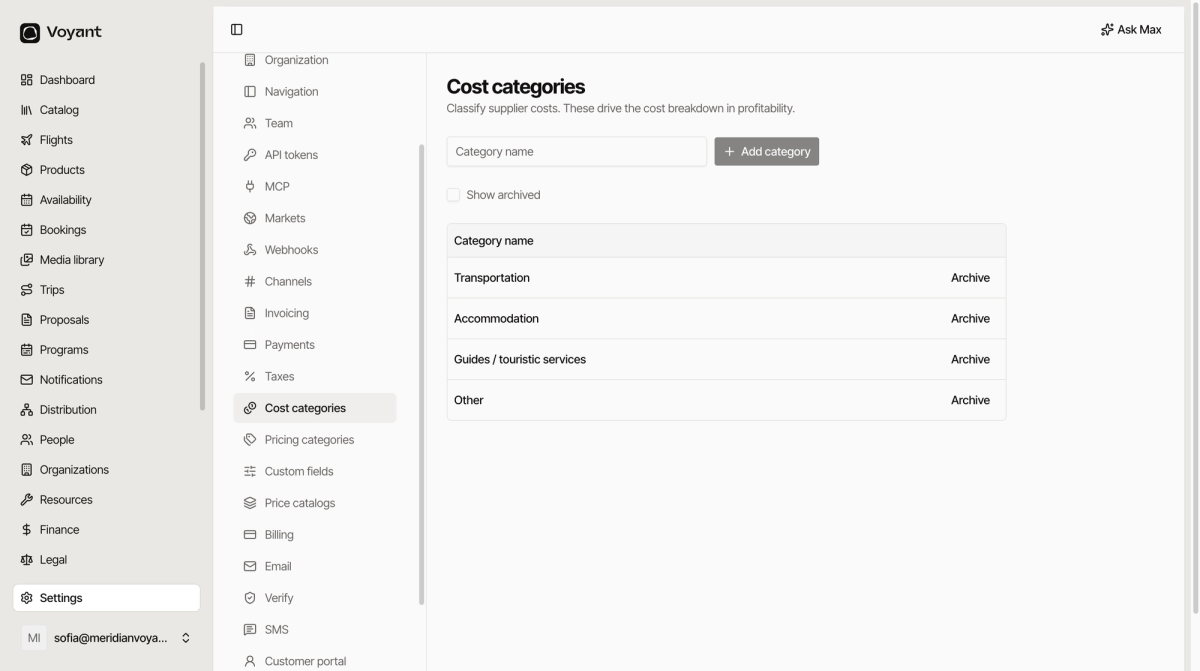
The default four
- Transportation, coaches, transfers, flights.
- Accommodation, hotels and rooms.
- Guides / touristic services, guides, entrance fees, activities.
- Other, anything else.
Click Add category to add your own.
Where they show up
When you record a supplier invoice, each line gets a category. The Cost by category chart on the profitability report is built from them.
That chart is how you answer "where does the money actually go", so the categories need to match the questions you ask.
Keep the list short
Four categories give you a chart you can read at a glance. Twenty give you a chart nobody looks at.
Add one when you genuinely want to see it broken out. "Is transport getting more expensive" is a good reason. "This felt different" is not.
Archive rather than delete
Archive hides a category from new invoices while leaving past ones classified. Show archived brings them back into view.
Deleting would orphan the costs already recorded against it.
Did this answer your question?
Thanks for your feedback.