



Choose where a product is sold
A product only appears on your website once it is on a channel. Markets control which countries can see and buy it.
Making a product active is not enough on its own. You also say where it is sold.
Channels
A channel is a place your products appear, such as your own website or a partner site.
A new product is on no channels. The panel on the right says "Not assigned to any channels yet".
- Open the product.
- Find Channels in the panel on the right.
- Click Add Channel.
- Choose the channel.
This is the most common reason a product is active but nobody can find it.
Markets
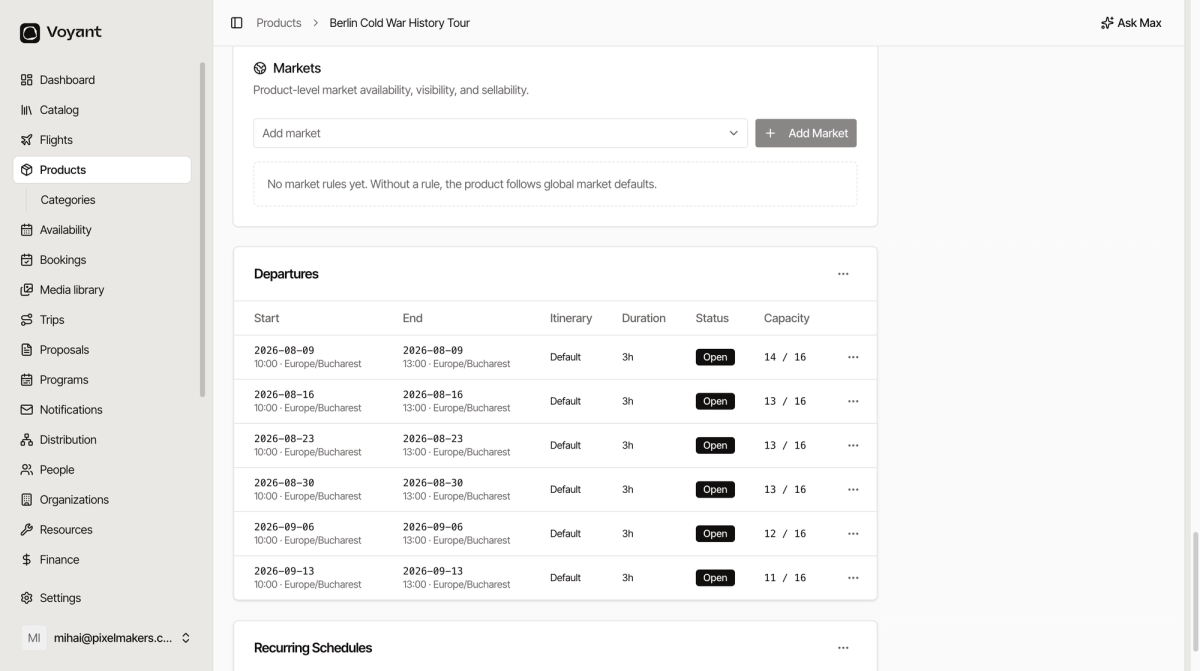
A market is a place your customers are, and it controls availability, visibility and price by country or region.
By default a product has no market rules, which means it follows your global defaults and is available everywhere you sell.
Add a rule under Markets only when a product should behave differently somewhere, for example a tour you do not sell to customers in one country.
Brochures
The Brochure panel generates a PDF of the product for sending to a customer or an agent. Click Generate brochure. Generated PDFs are capped at 5 MB.
Did this answer your question?
Thanks for your feedback.