



Add photos and videos
Photos sell trips. Here is where to upload them and what makes a good set.
Voyant Support
A product with no photo is very hard to sell. This is the highest value thing you can add.
Upload
- Open the product and scroll to Media.
- Click Upload.
- Choose your images or videos.
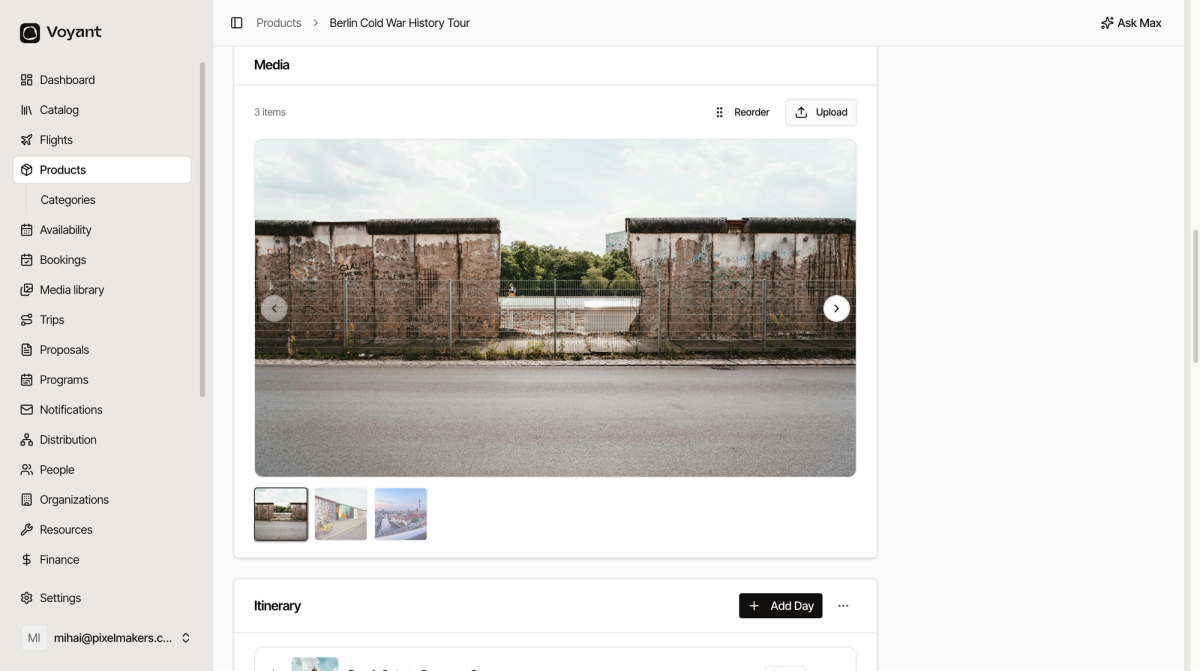
The first image becomes the main one customers see, so put your strongest photo first.
What makes a good set
- Six to ten images is usually right.
- Lead with the view or moment people are buying.
- Include people enjoying it, not only empty scenery.
- Show what is included, such as the boat, the meal or the room.
- Use landscape images. They fit the layouts better than portrait.
Photos on itinerary days
Multi-day trips can have a photo on each day as well. Add them under Itinerary on each day rather than in the main Media area.
Did this answer your question?
Thanks for your feedback.