

const response = await fetch(
  "https://your-workspace.onvoyant.com" +
    "/api/v1/public/products?limit=1",
)

const { data, total } = await response.json(){
"data": [
{
"id": "prod_01m1w67g5ke84r2n2nywpfe8b8",
"name": "Amalfi Coast Grand Tour",
"slug": "amalfi-coast-grand-tour",
"bookingMode": "itinerary",
"sellCurrency": "EUR",
"sellAmountCents": 215000
}
],
"total": 34,
"limit": 1,
"offset": 0
}The same records your team works on
The API reads and writes what you see in the admin.

Products and availability
Search your catalog, with dates and prices.

Bookings
Read bookings and create them from your own systems.

People and organizations
Keep customers in step with your other tools.

Invoicing
Read invoices and what is still due.

Webhooks
Get an event when something changes.

OpenAPI specs
Read the full reference or generate a client.
Your website
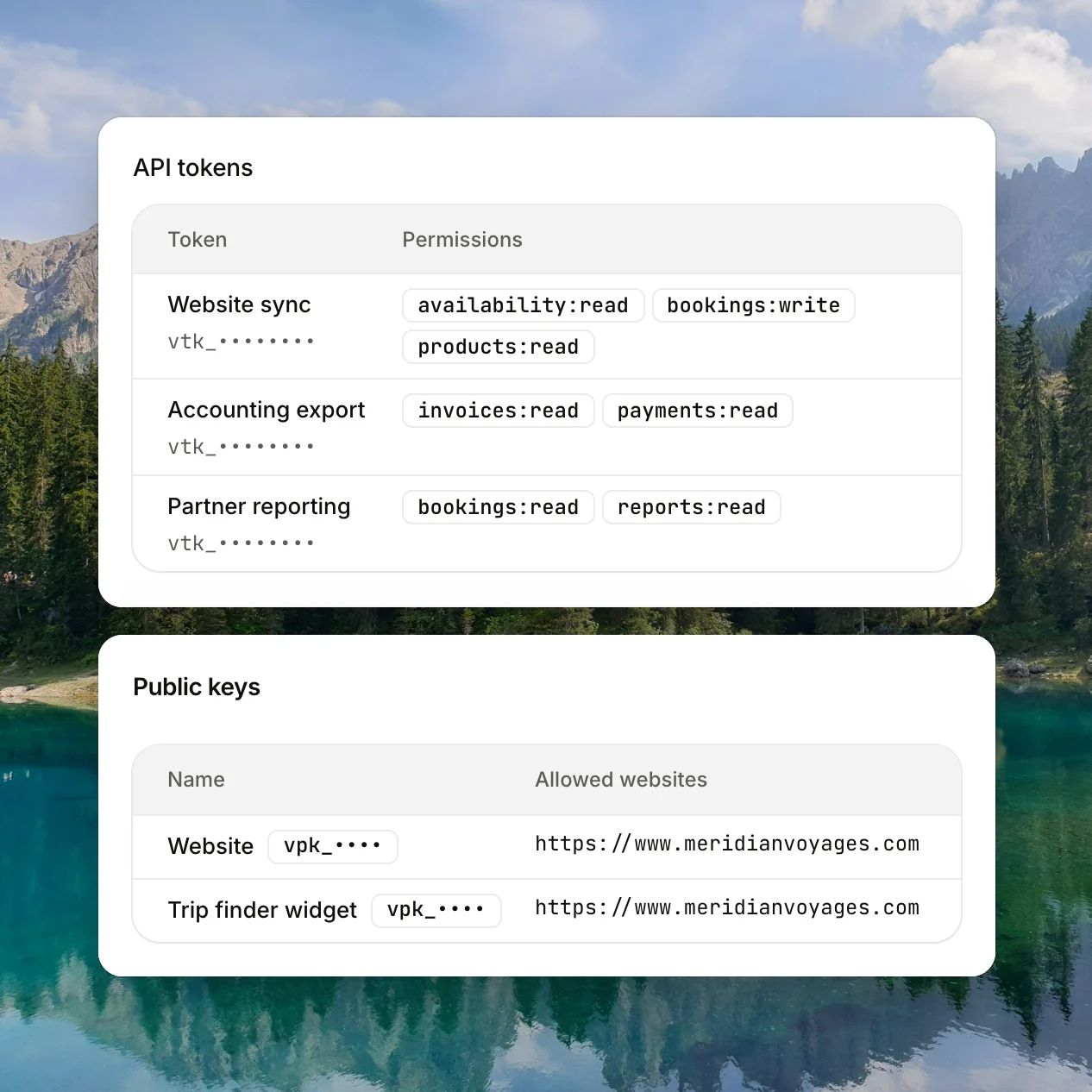
Put your catalog on your own website
Search products, check availability and prices, and start bookings from your own site.
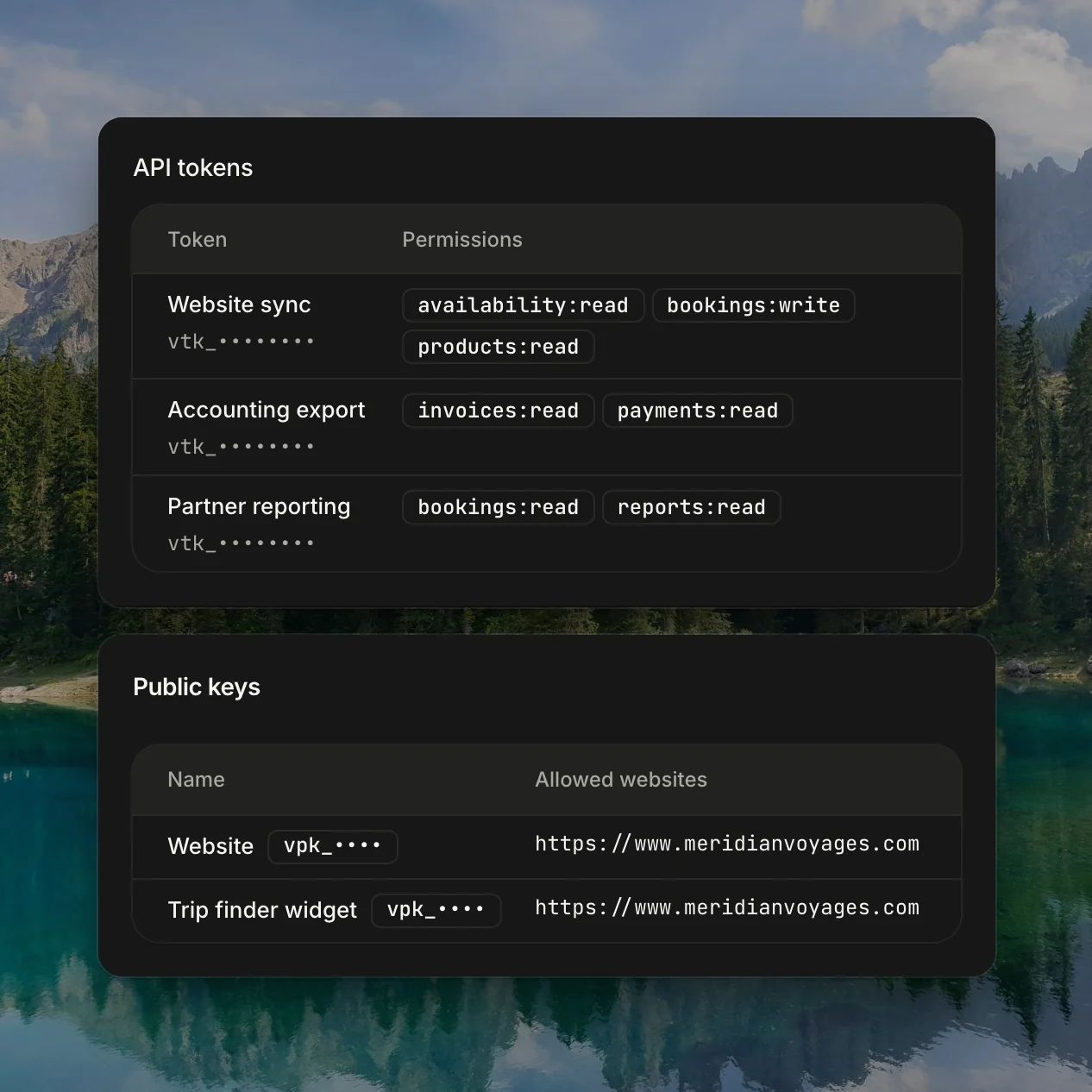
- Public keys only work from the domains you allow
- Server keys for checkout and private data
- Tokens limited to the resources you choose
Webhooks
Stop polling for changes
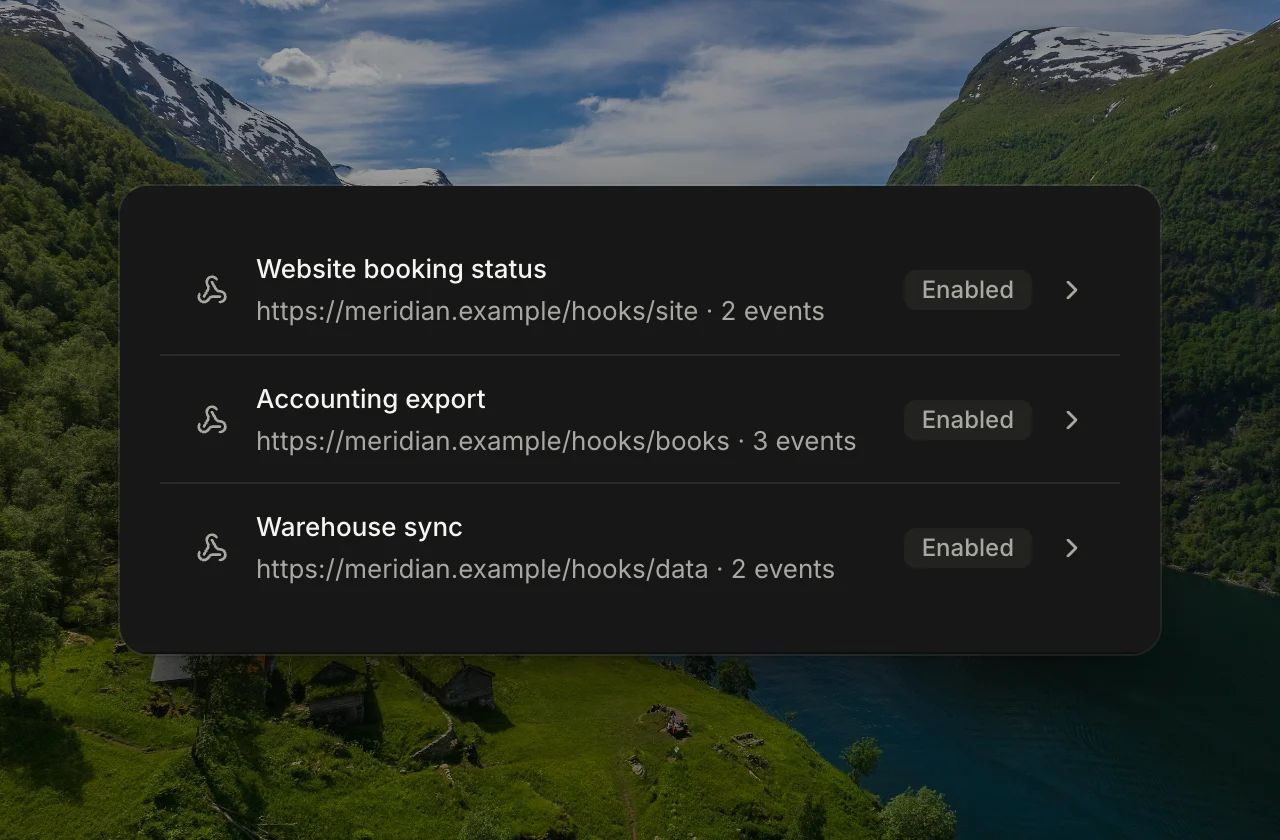
Get a signed event when a booking is committed or cancelled, or an invoice is issued.
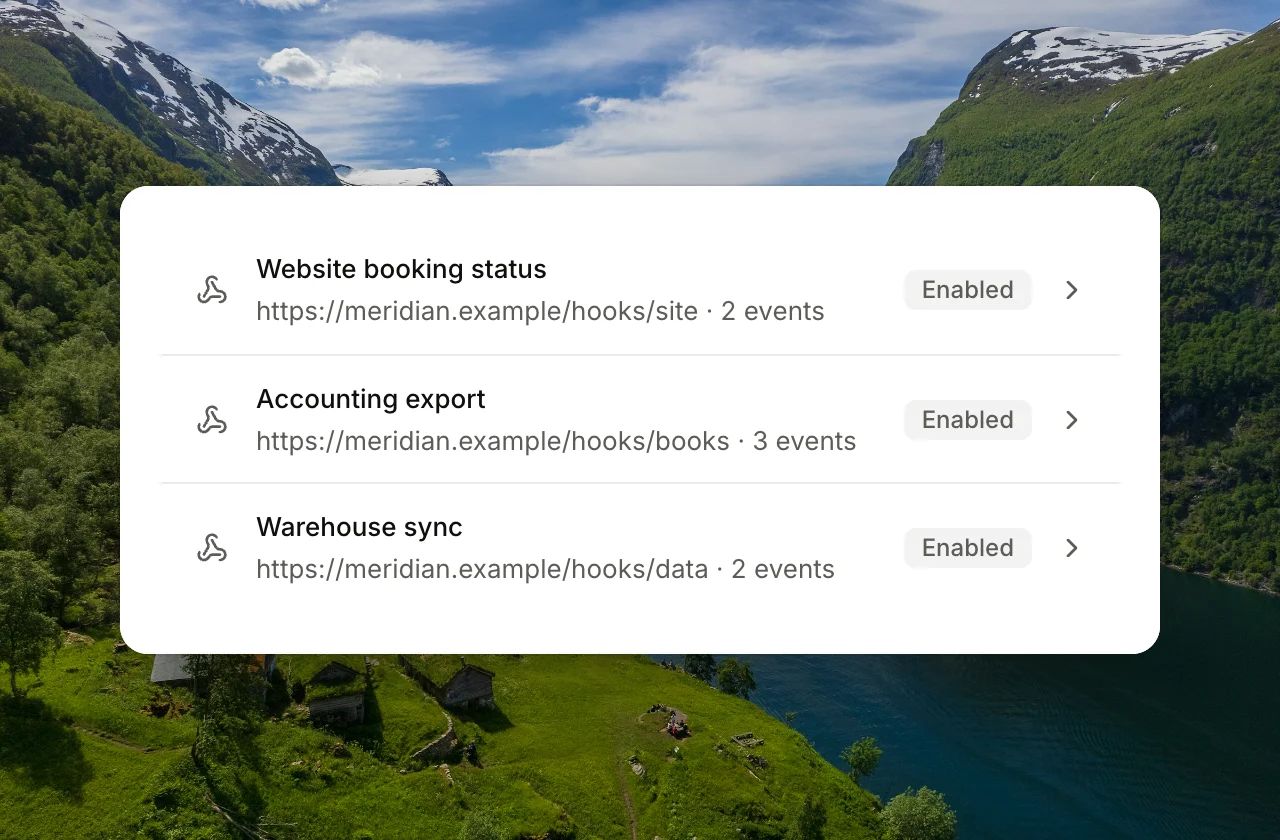
- Signed, so you can verify each event
- Automatic retries
- Delivery log, test sends, and replay
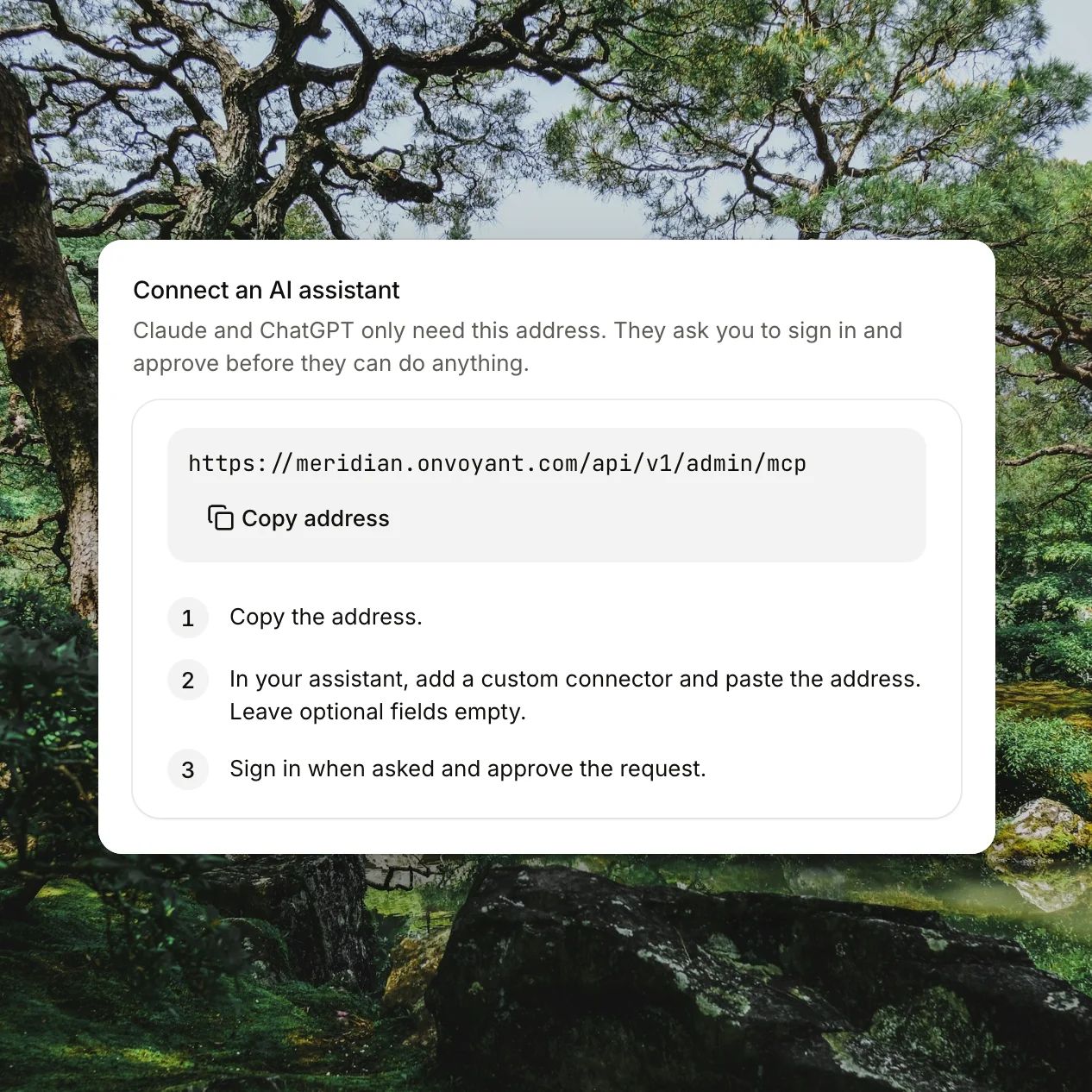
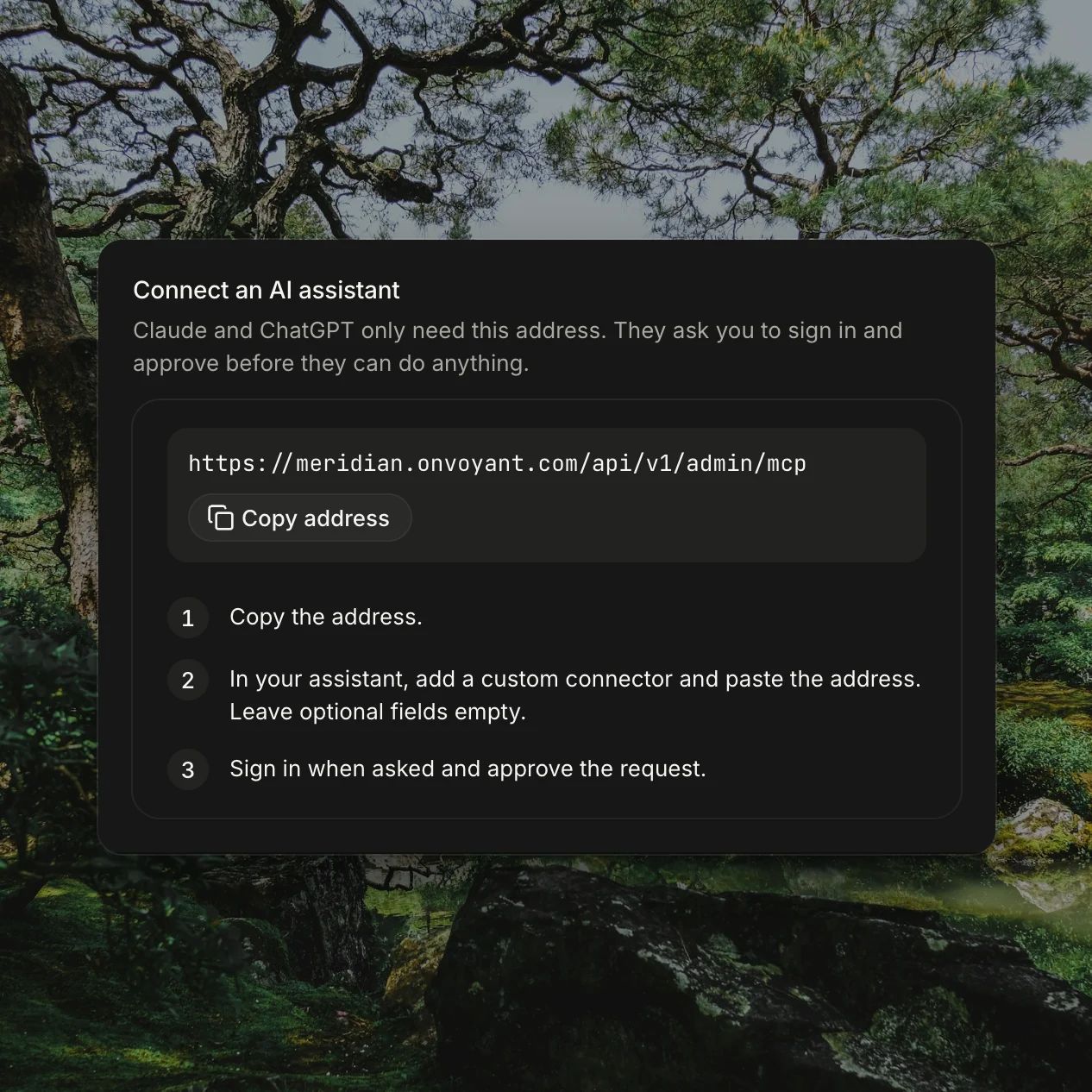
AI assistants
Work with Voyant from your AI assistant
Connect through MCP, and your assistant can look up records and prepare work in your workspace.
- Connect with OAuth or an API token
- Works with assistants and code editors that support MCP
- Set it up in Settings
FAQs
Which plans include the API?
Every plan includes API access. The pricing page compares plans.
Do I need a developer?
To build on the API, yes. If you only want booking on your website, link to your booking pages instead, with no code.
Can I build my own booking flow?
Yes. Your site searches products and starts bookings with a public key, and your server handles checkout with a server key.
Where do I get keys?
In your admin, under Settings, then API.